A catalogue with tags
Skills, subagents, commands, hooks, MCP servers, plugins and AGENTS.md sections, each tagged with what it fits — mobile, ios, spring, infisical. /costia:init asks what the repository is and offers what matches.
Costia Claude Tools keeps your Claude Code setup in your Costia account. Install a skill in any repository and a guided set-up in your browser prepares what it depends on — the CLI, the sign-in, the secret — before a single file lands.
Skills, subagents, commands, hooks, MCP servers, plugins and AGENTS.md sections, each tagged with what it fits — mobile, ios, spring, infisical. /costia:init asks what the repository is and offers what matches.
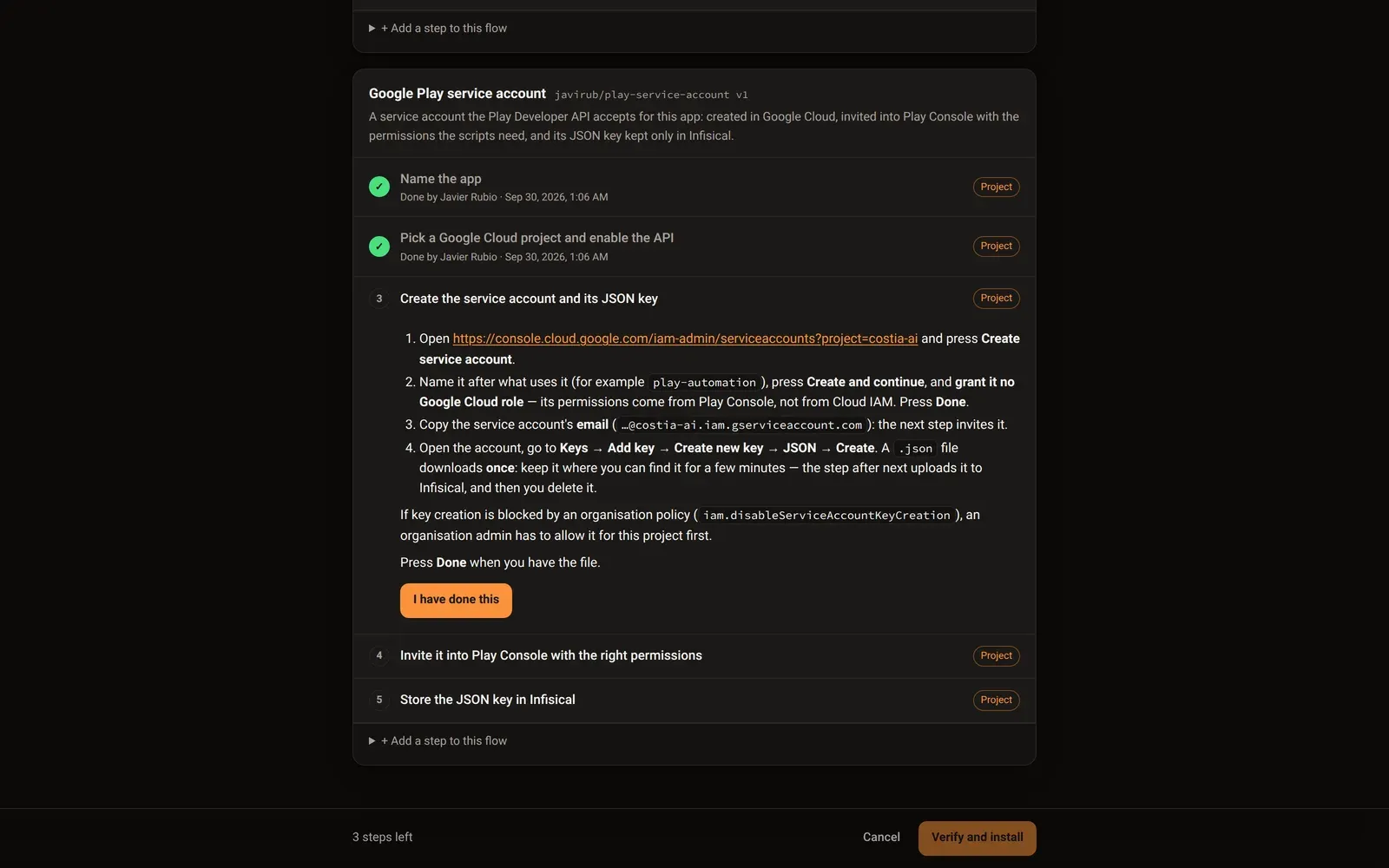
An item can bring the steps it needs: install a CLI, sign in, create a project, store a secret. A page in your browser walks you through them, and the plugin proves each one before the item is applied.
Gather items into a store and keep it private, share it with the people you choose — by nickname or with a link — or make it public in the marketplace.
Managed AGENTS.md sections update themselves in every repository that uses them. They are changed in one place, never by hand.
Get started
Add the marketplace, install the plugin and sign in with your Costia account. The plugin installs without one, but does nothing until you sign in.
❯ /plugin marketplace add Costia-AI/claude-marketplace❯ /plugin install costia@costia-aiNeeds Node.js 20 or newer.
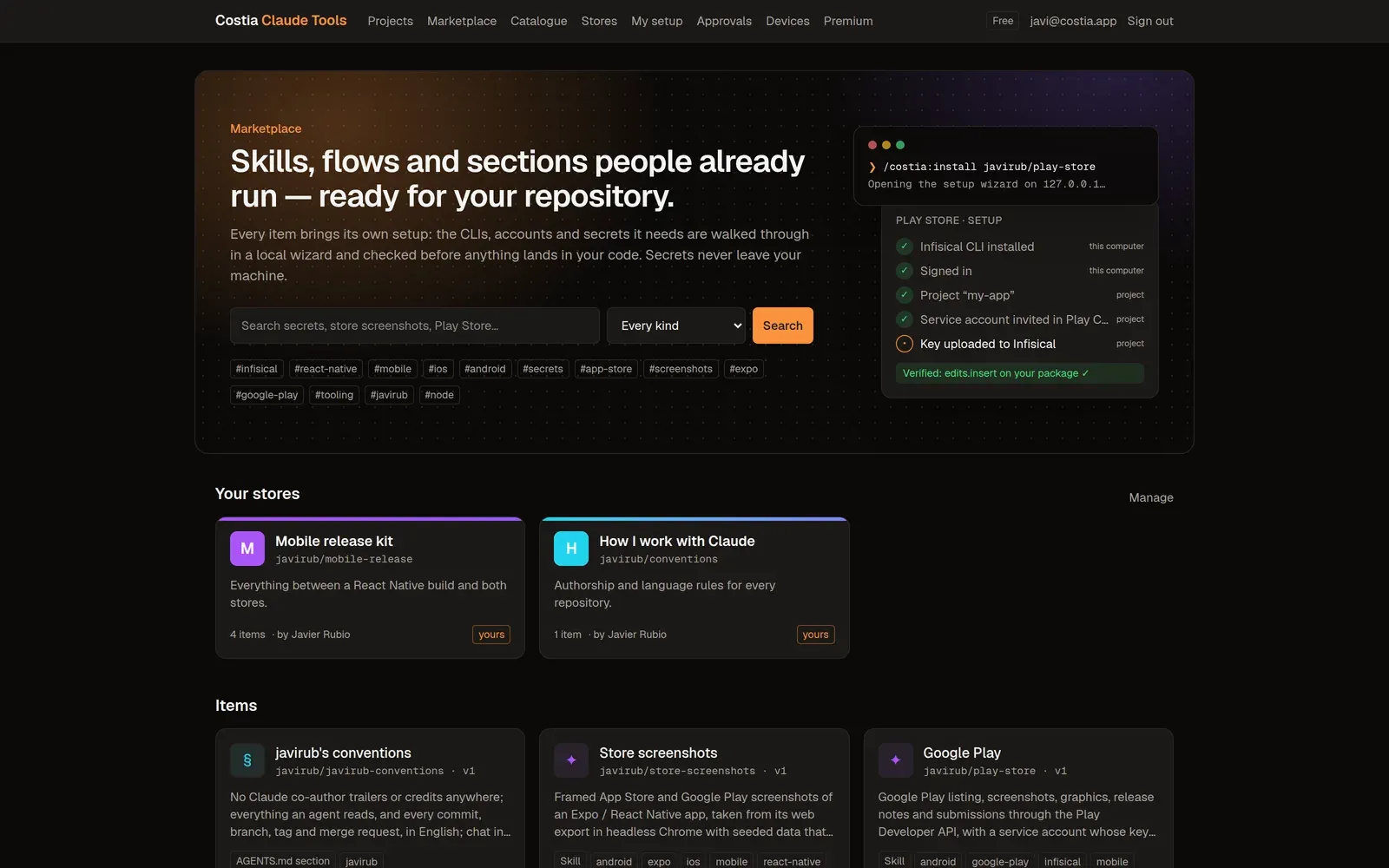
The marketplace: the stores you can see, and their items by tag.
A skill’s set-up in the browser: each step with who has to do it, checked as you go.
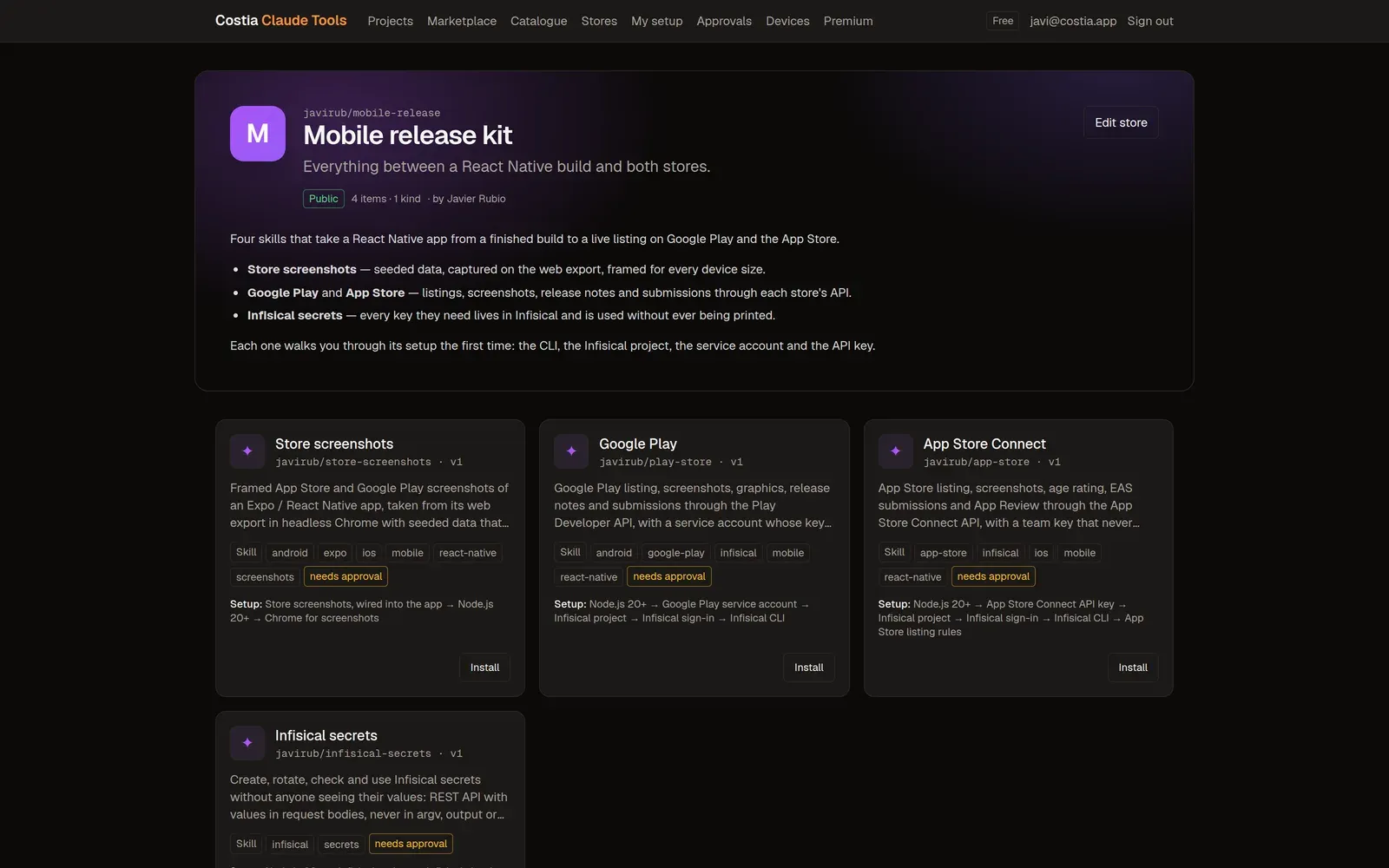
A store: its items, who it is shared with, and Install on each one.
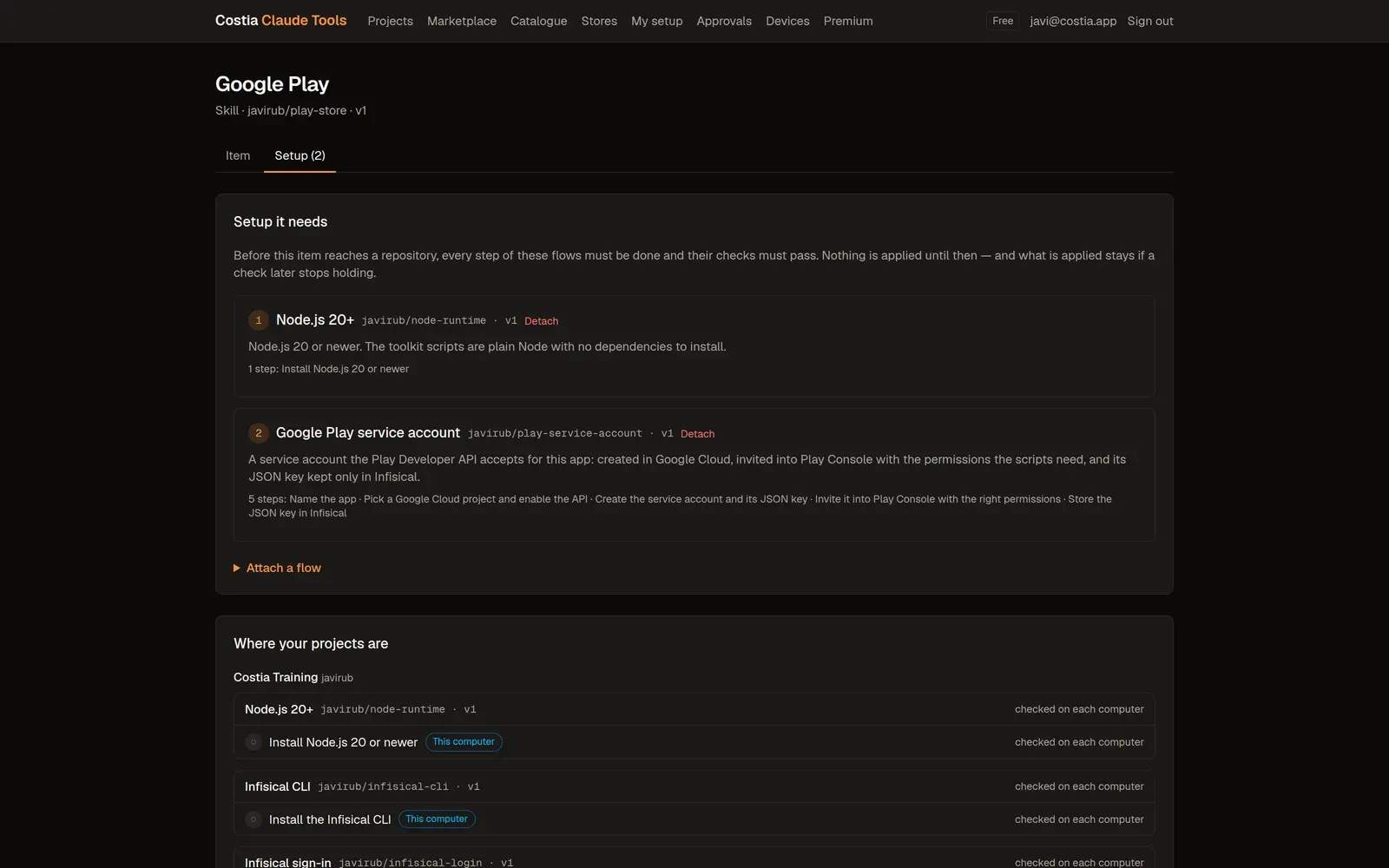
A catalogue item: its versions, its tags and the set-up flows it requires.
The catalogue
Publish a skill folder, a command or an AGENTS.md section from Claude, or write it on the web. Every version is kept and never changes once published, so a project can follow the latest or stay on the one it trusts.
Set-up flows
An item can require set-up flows: steps a person walks through on a page served by the plugin on your own computer, and checks the plugin runs to prove them. Until every step is done and every check passes, nothing of the item reaches the repository.
Once per machine: install the Infisical CLI and sign it in.
Once per account: accept an invitation sent to you.
Once for everyone in it: create the service account, name the secret.
Once per person in a project: a token of your own.
Once the files land, Claude carries out the steps written for it — scripts to scaffold, seed data to write — and the plugin checks the result.
Anyone can write a flow: on the web, step by step, or by asking Claude to turn the steps into one.
Where it lands
Every item you install goes where you choose.
.claude/
Committed with the code, for everyone who works on it.
.claude/ · outside git
In your checkout only, listed in git’s exclude file so it never shows up in a commit.
~/.claude/
Skills, commands and rules in your own Claude Code, in every project on the machine.
Stores and the marketplace
Gather items into as many stores as you like. The marketplace on claude.costia.app shows the stores you can see; installing from it asks for a project and where the item should land.
Stores, sharing and the marketplace are free.
Only the members of your workspace see it.
The people you choose, by nickname or with a link you can revoke.
Every signed-in Costia user, listed in the marketplace.
> Managed by Costia — change these sections with edit_section.
<!-- costia:begin section="javirub/git-workflow" version="7" -->
## Git workflow
- Commit messages in English, with a conventional prefix.
- Never add a Co-Authored-By line for Claude.
<!-- costia:end section="javirub/git-workflow" -->
## This repository only
…
Managed AGENTS.md
A managed section is written once and appears, between markers, in the AGENTS.md of every repository that uses it. Change it and the next session brings the change everywhere; edit it by hand and the plugin reports the drift instead of overwriting it.
Safety
A secret you give a set-up goes from the page on your own computer to your secret manager. Never through Costia, never on a command line, never shown to Claude.
Hooks, permission rules, local MCP servers, scripts and plugins wait until you approve that exact version on your machine.
AGENTS.md, CLAUDE.md, .mcp.json and .claude/ — never through a symlink, and nothing is committed for you.
If a set-up stops holding, the item is held back and you are told. What was already applied stays.
Costia Premium
Premium bought in another Costia app is already active here.
See Costia PremiumNothing. A Costia account is free, and so are projects, the catalogue, set-up flows, stores and the marketplace. Organisations and inviting people need Costia Premium — the same subscription as every Costia app.
Yes. The plugin installs without one, but everything it does lives in your Costia account, so the first thing it asks is that you sign in.
Only what you publish to the catalogue. For your projects it keeps their git remotes, their setup and what was applied — never your source and never a path on your disk.
No. A flow asks for your own project, secret names and app ids, so a toolkit written for one repository works in any other in minutes.
Infisical today, in its US or EU cloud. The flow format leaves room for others.
Install the plugin, sign in, and your next repository starts where your last one left off.
Split the bill with nothing to install.
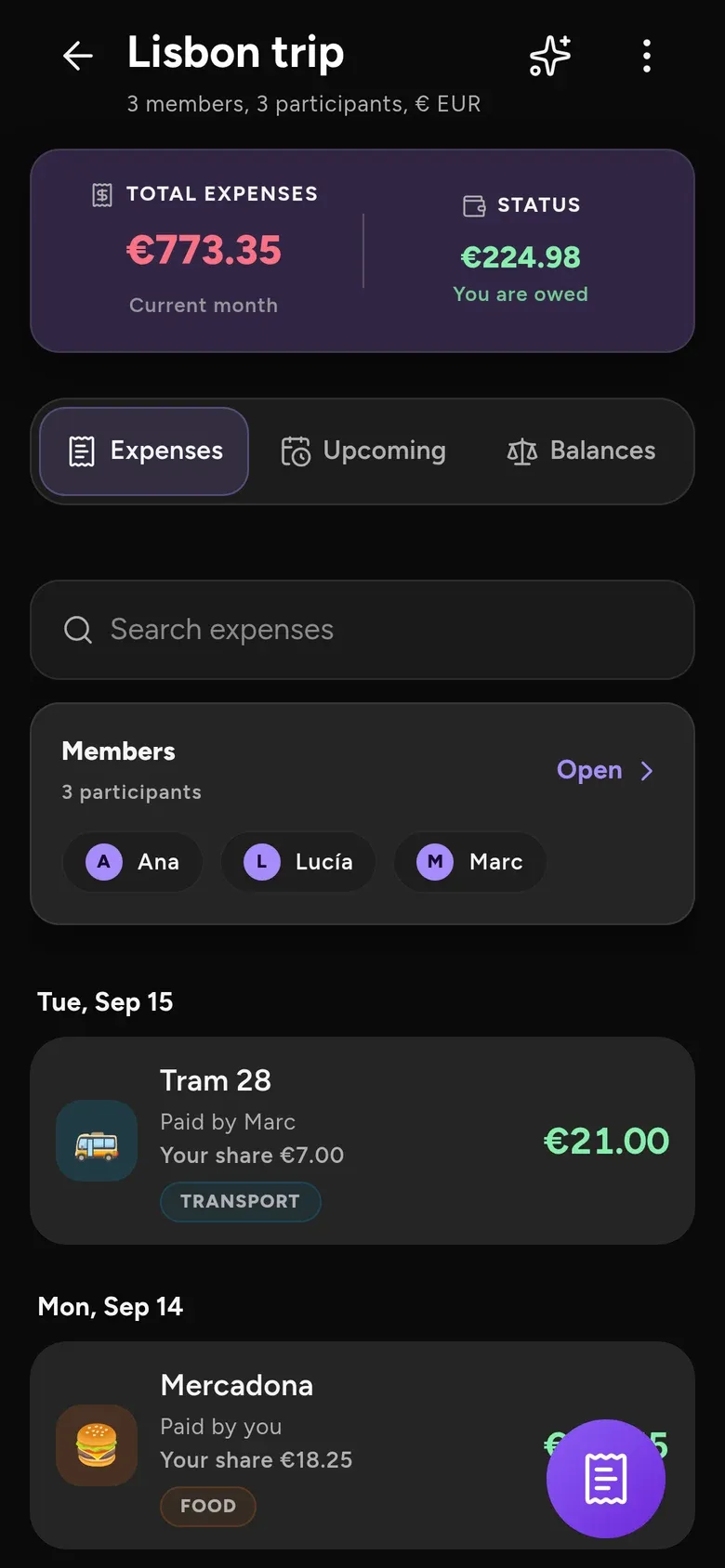
Track what you spend, split what you share and know who owes what. Scan the receipt, share a link — everyone ticks theirs.
Discover Finance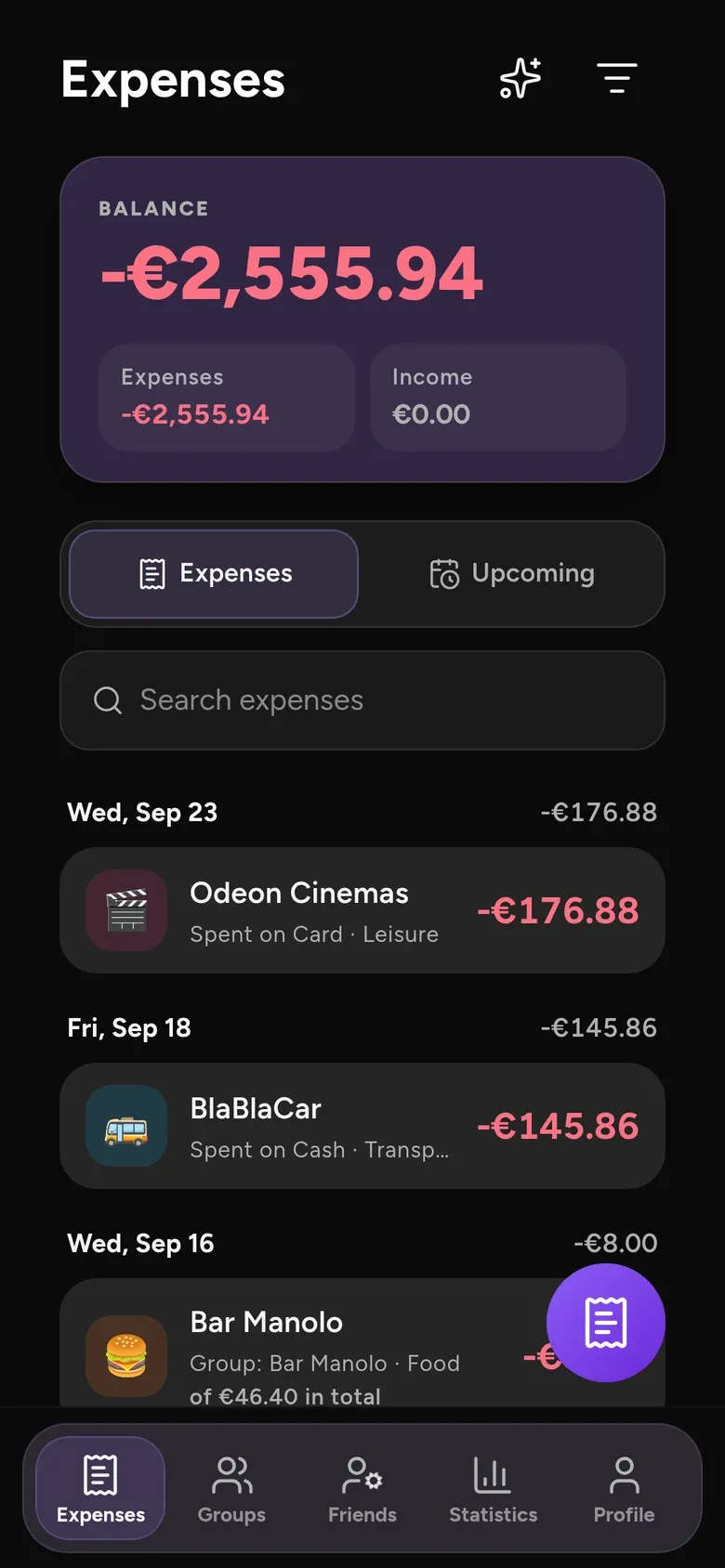
Log the set. Keep the record.
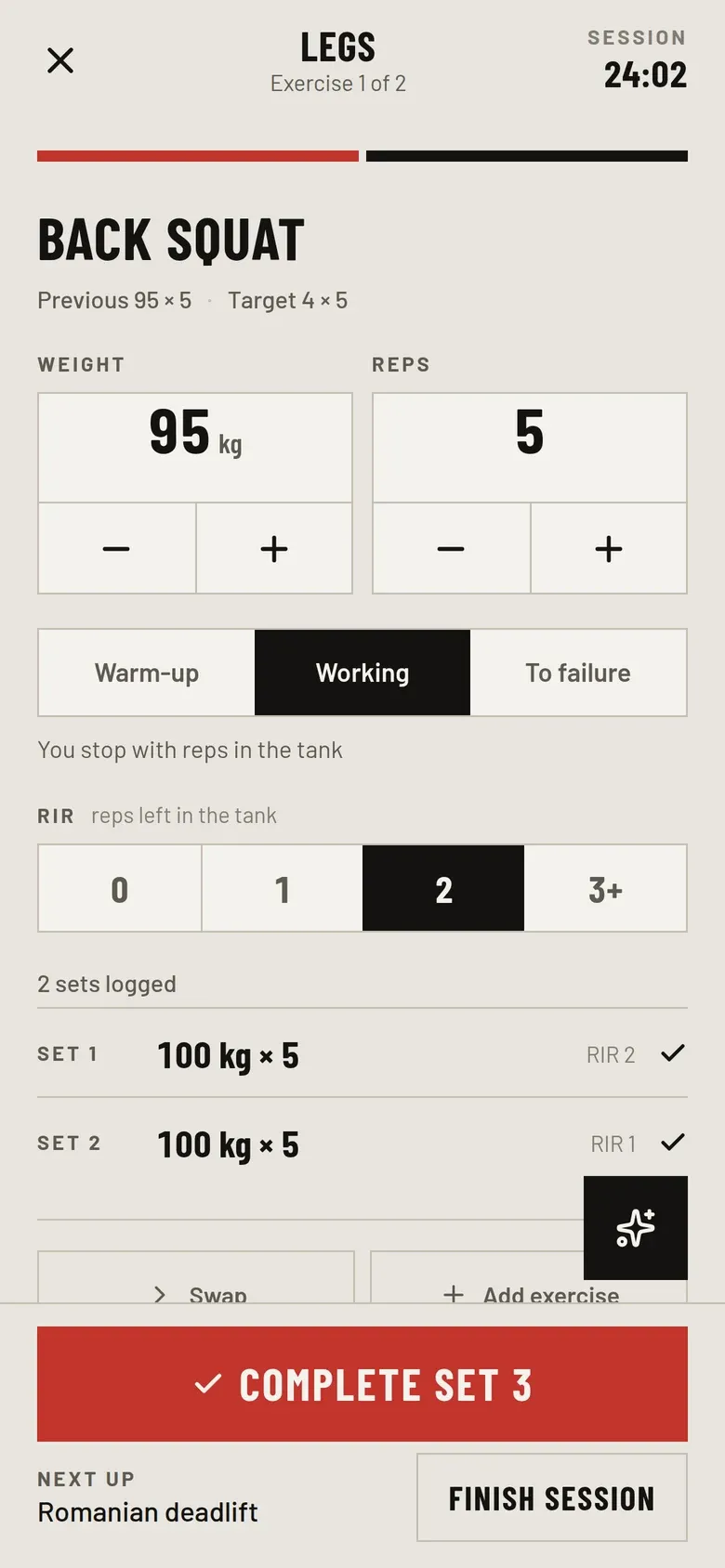
A strength-training log that keeps a history rather than a number, draws every lift’s progression and tells you what to put on the bar next. It works offline in the gym and syncs to your Costia account.
Discover Training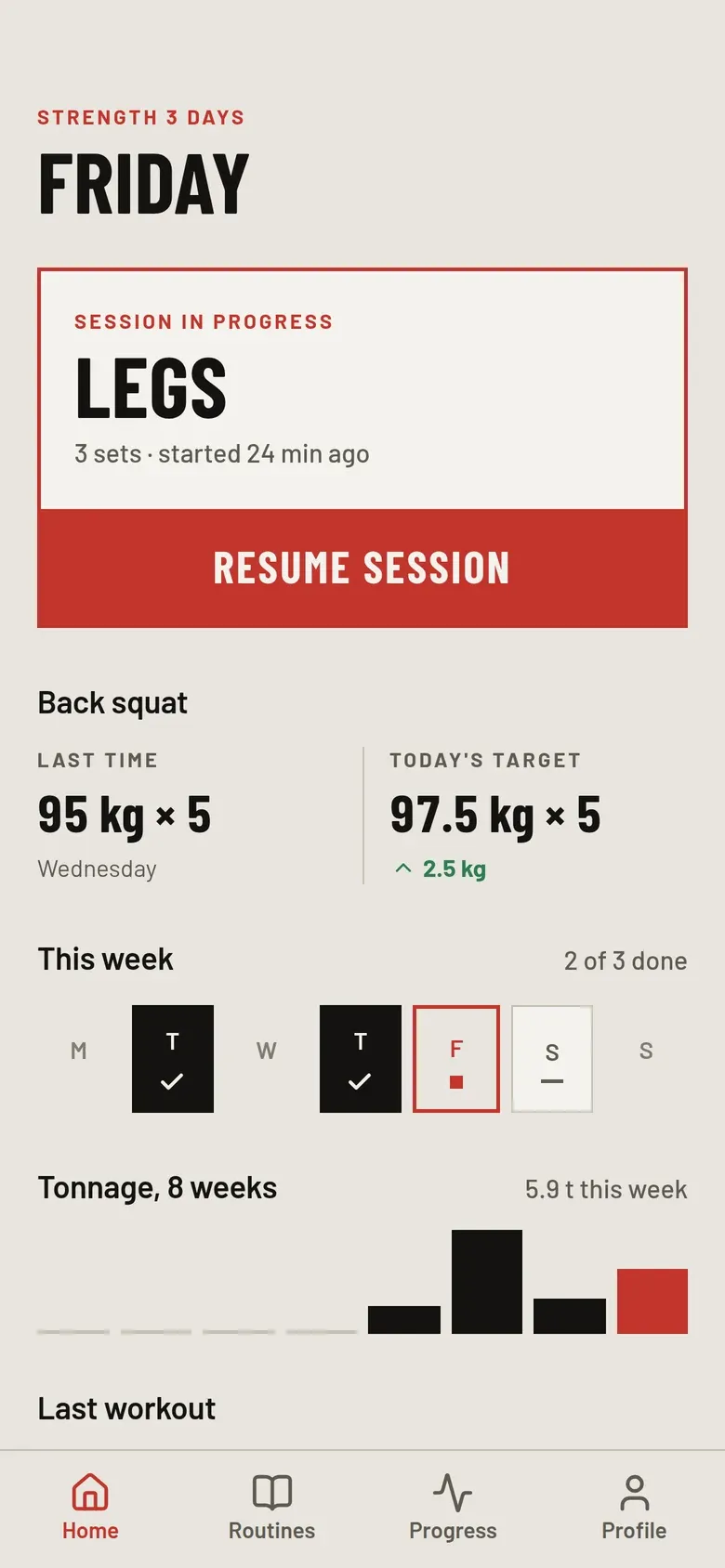
Know where you put it.
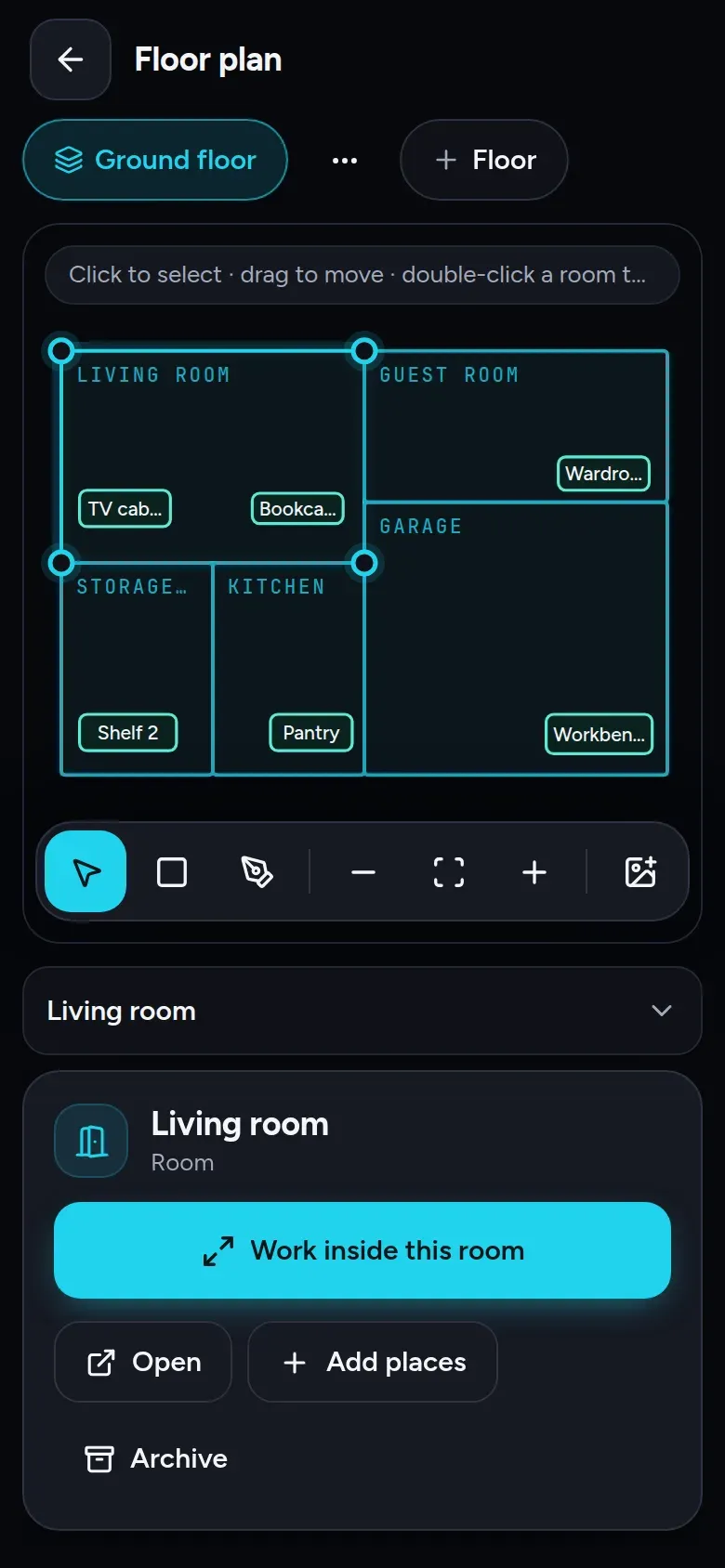
Map your home, record where things are kept and find them again by searching or asking the assistant. Move a box and everything inside moves with it. A Costia account is required.
Discover Inventory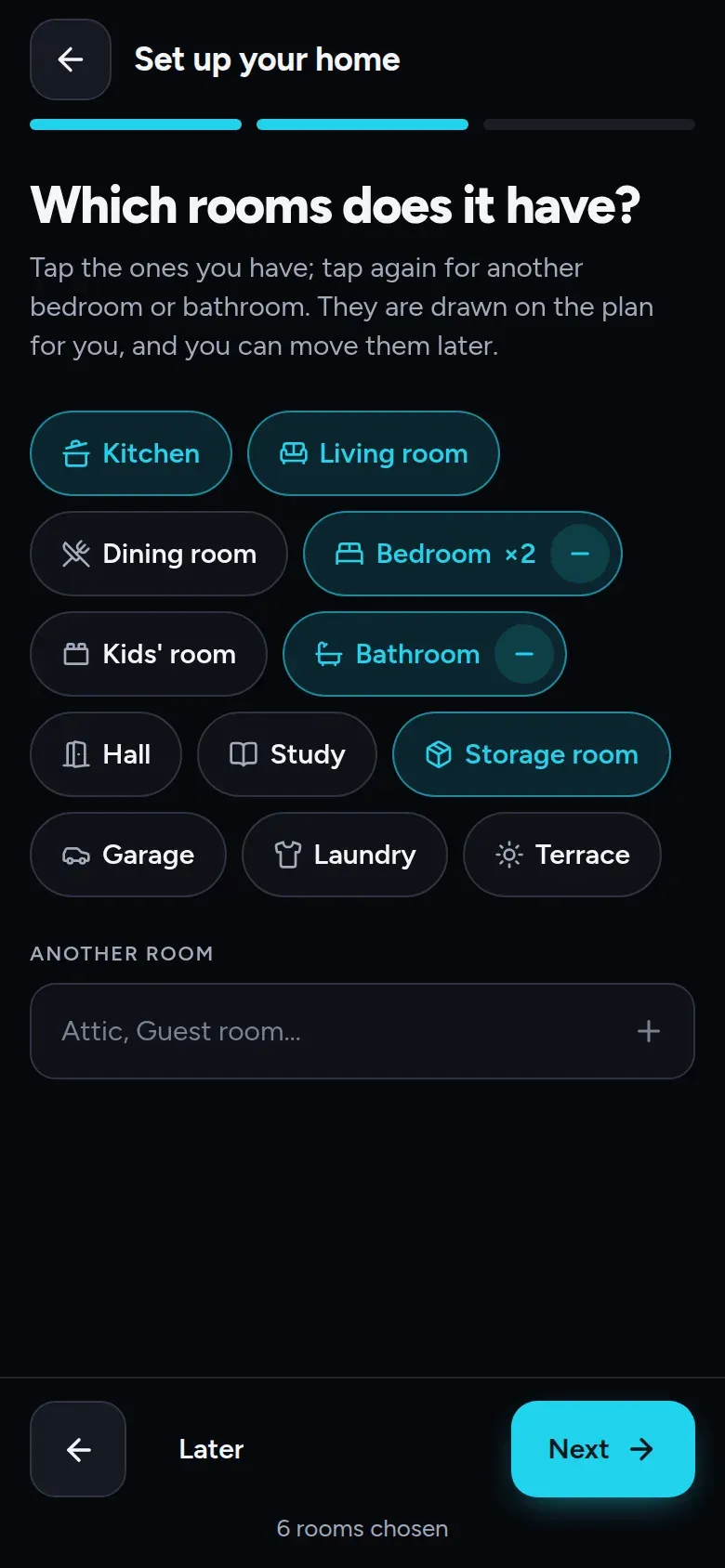
The week’s menu, for everyone at the table.
Plan what your household eats, and what to buy where. A Costia account is required.
Discover Ambrosia