
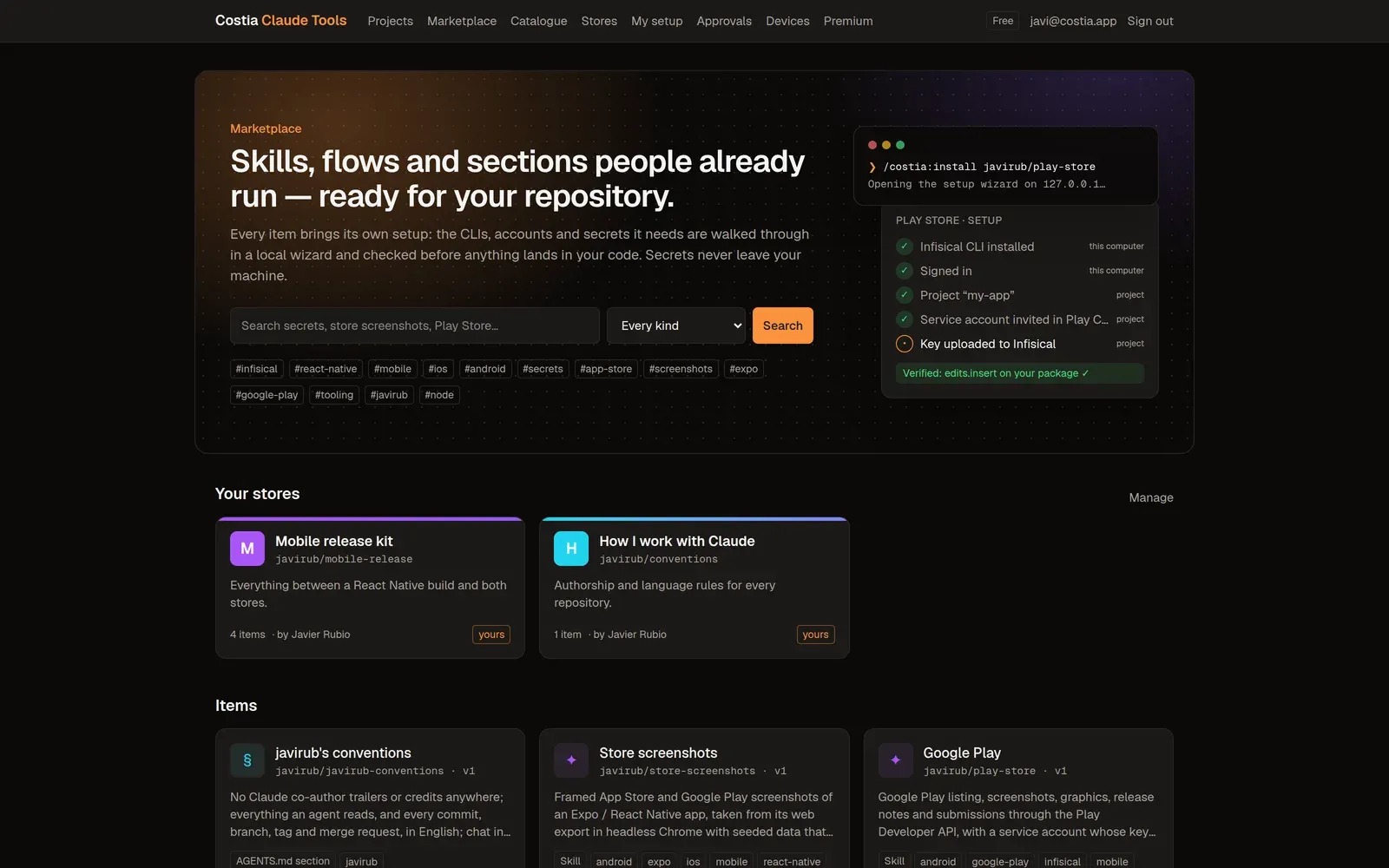
Finance
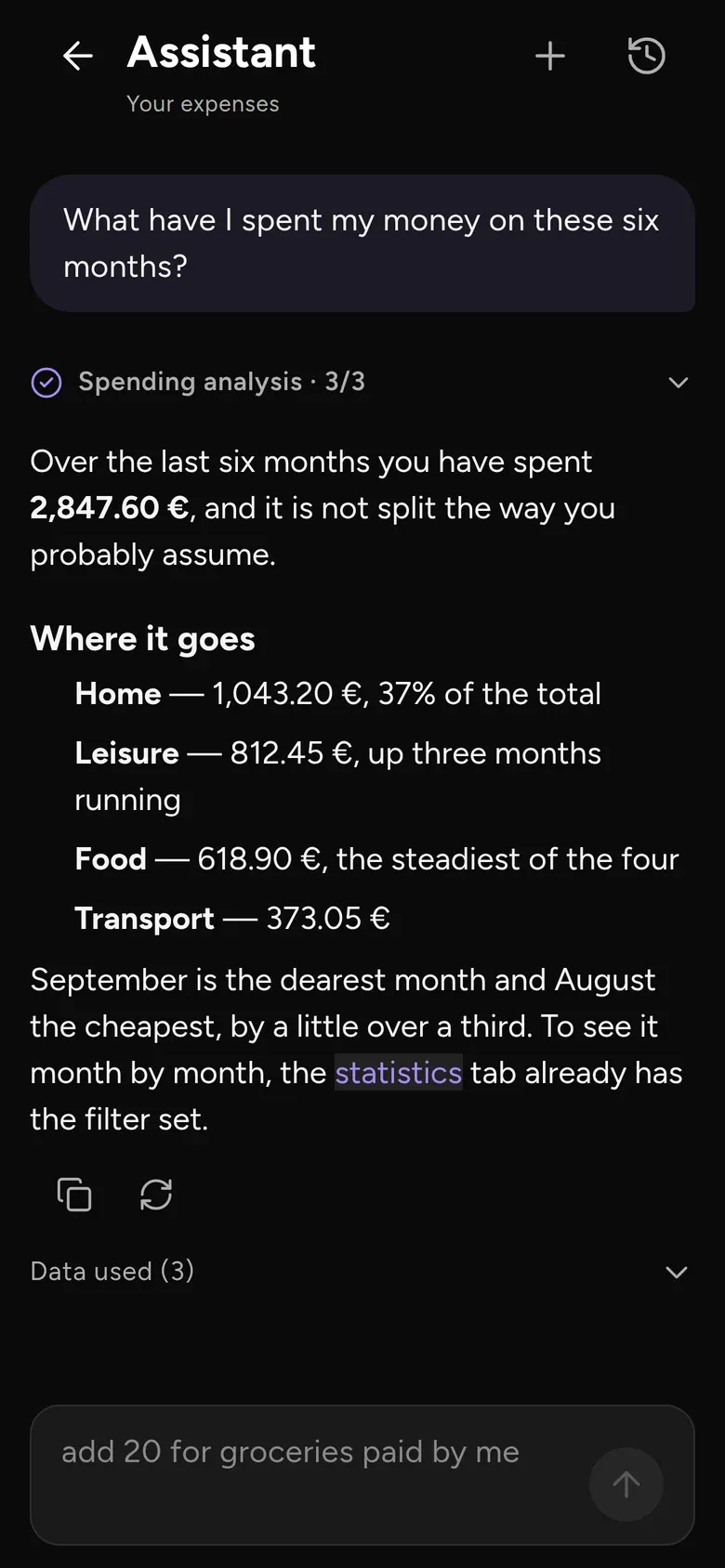
Ask about your money
Your assistant answers from your own history, and never logs anything without showing you first.
A family of apps · one account
Keep track of shared spending, log your training and find what you put away. Each Costia app focuses on one part of everyday life. One Premium subscription covers the whole family.
The apps
Finance, Training, Inventory and Ambrosia are available now. Each app has a clear job, and one Premium subscription covers all of them.
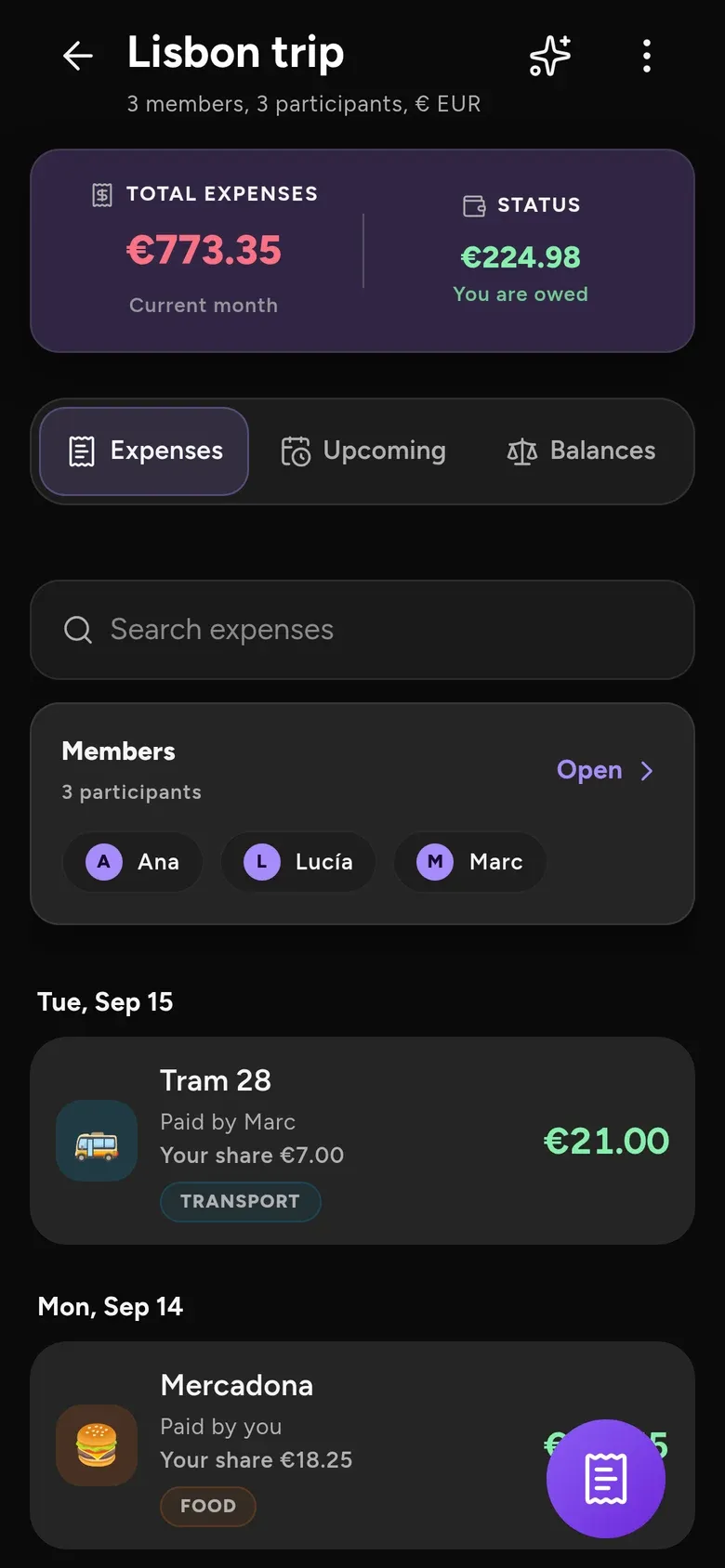
Split the bill with nothing to install.
Track what you spend, split what you share and know who owes what. Scan the receipt, share a link — everyone ticks theirs.
Discover Finance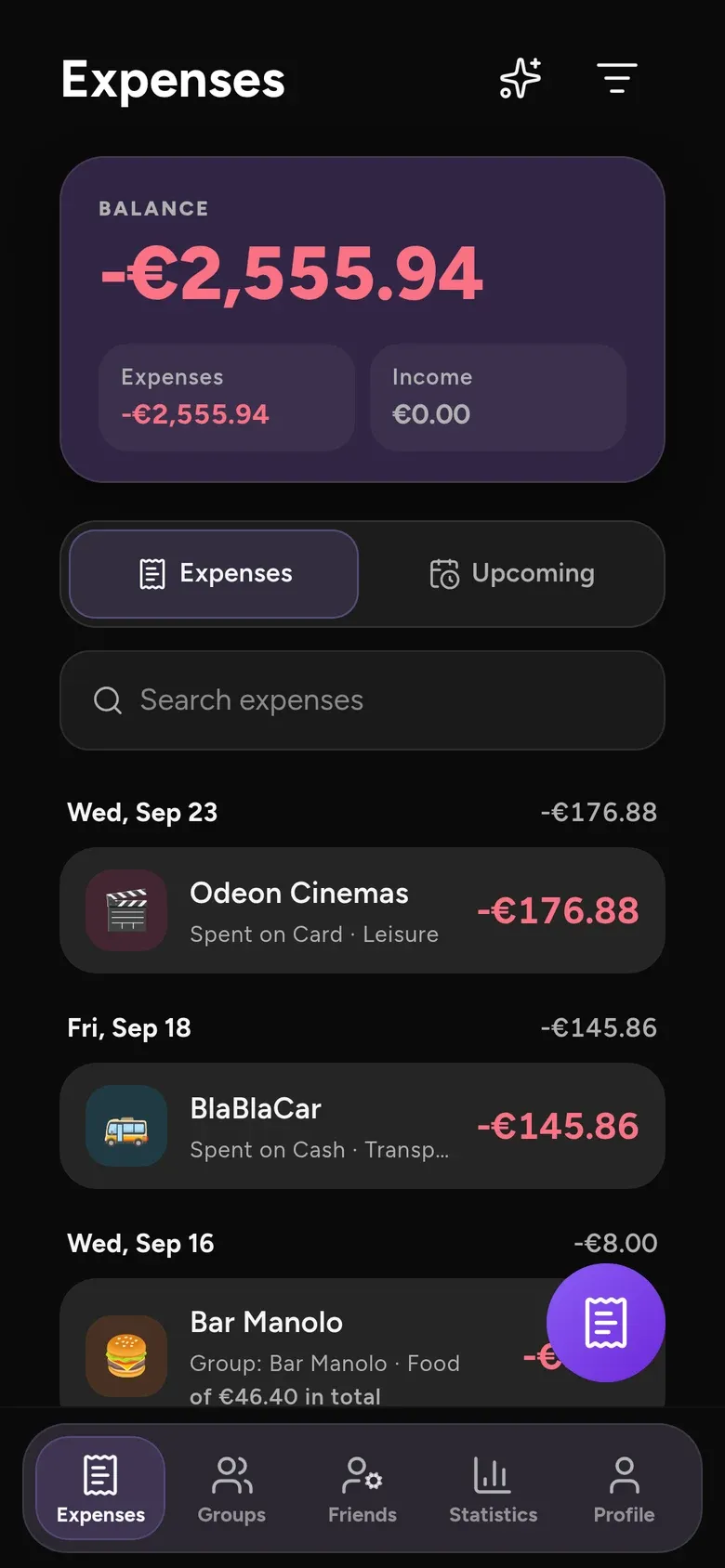
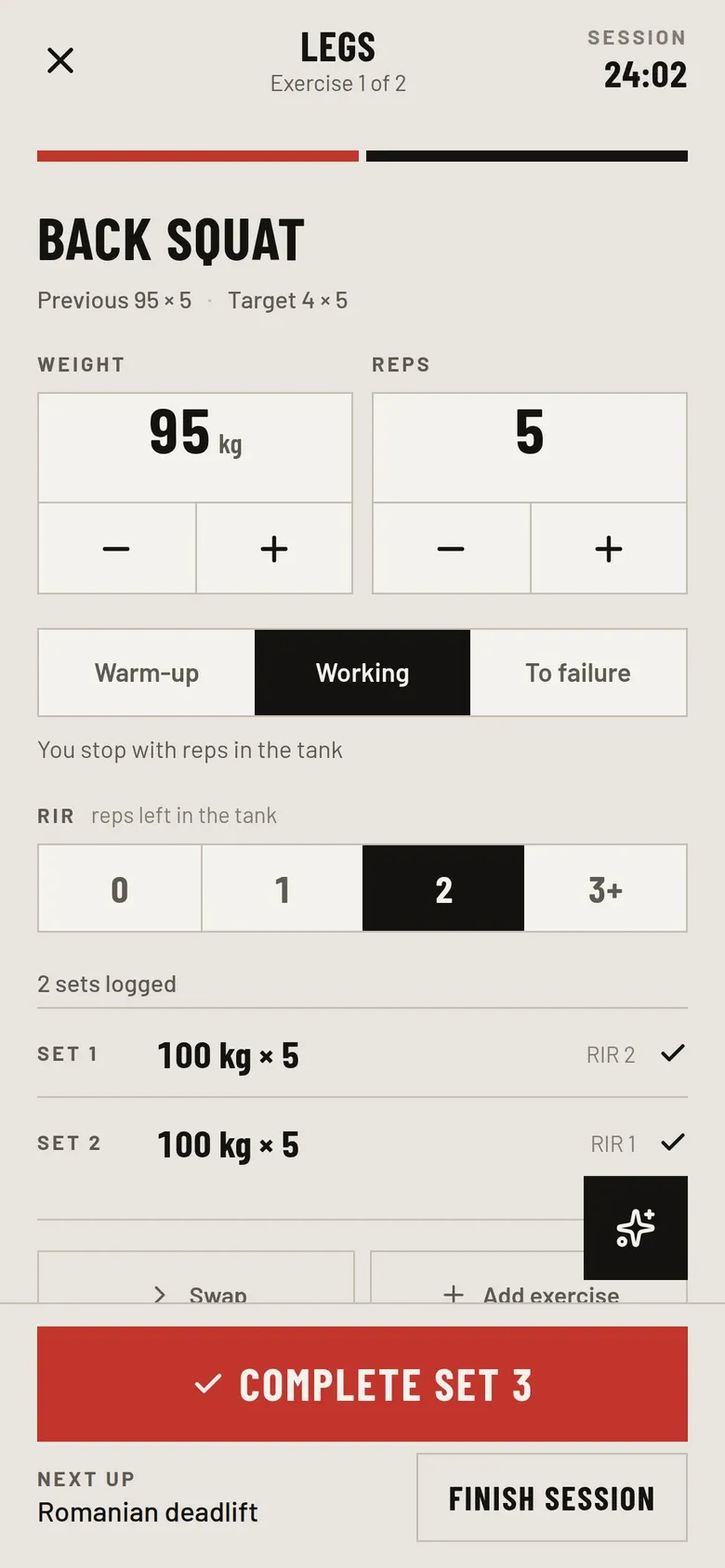
Log the set. Keep the record.
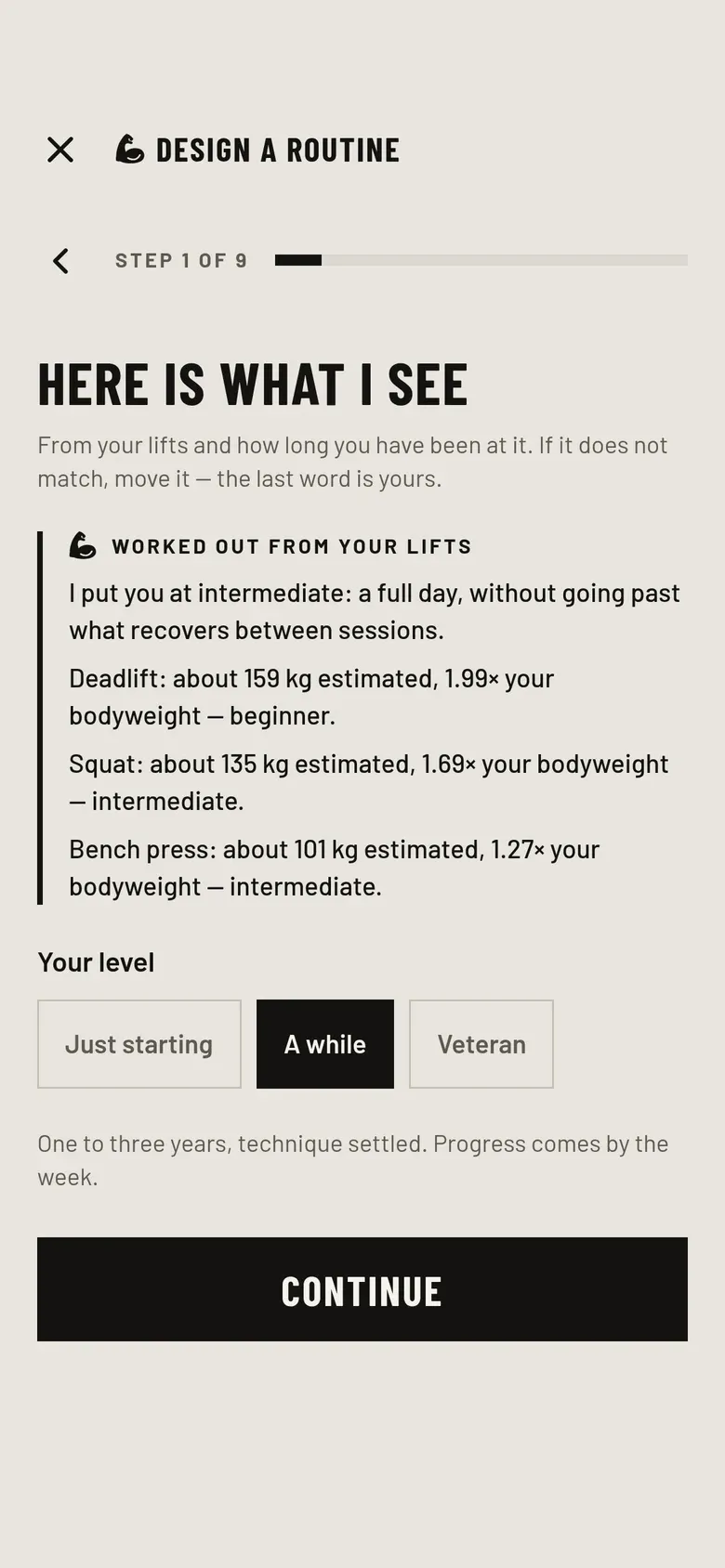
A strength-training log that keeps a history rather than a number, draws every lift’s progression and tells you what to put on the bar next. It works offline in the gym and syncs to your Costia account.
Discover Training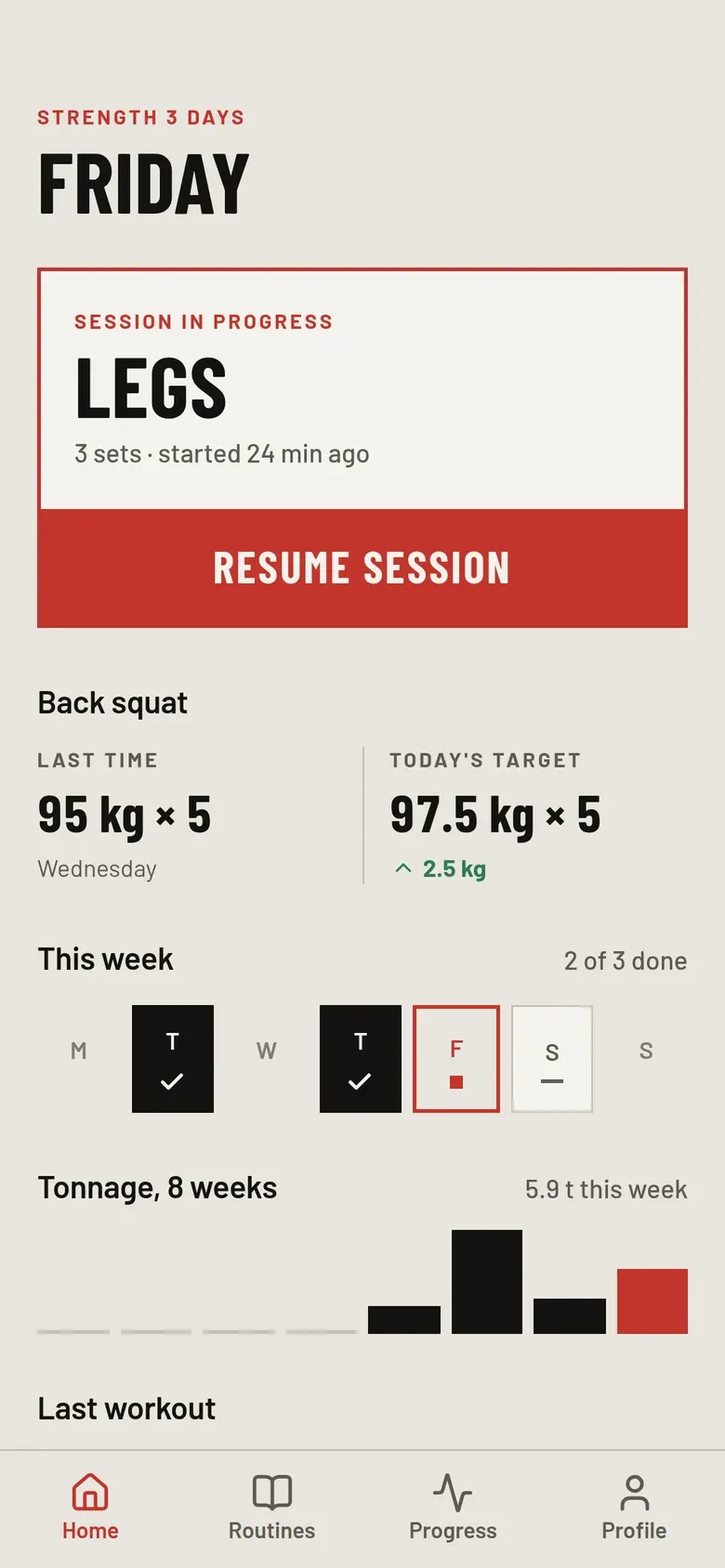
Know where you put it.
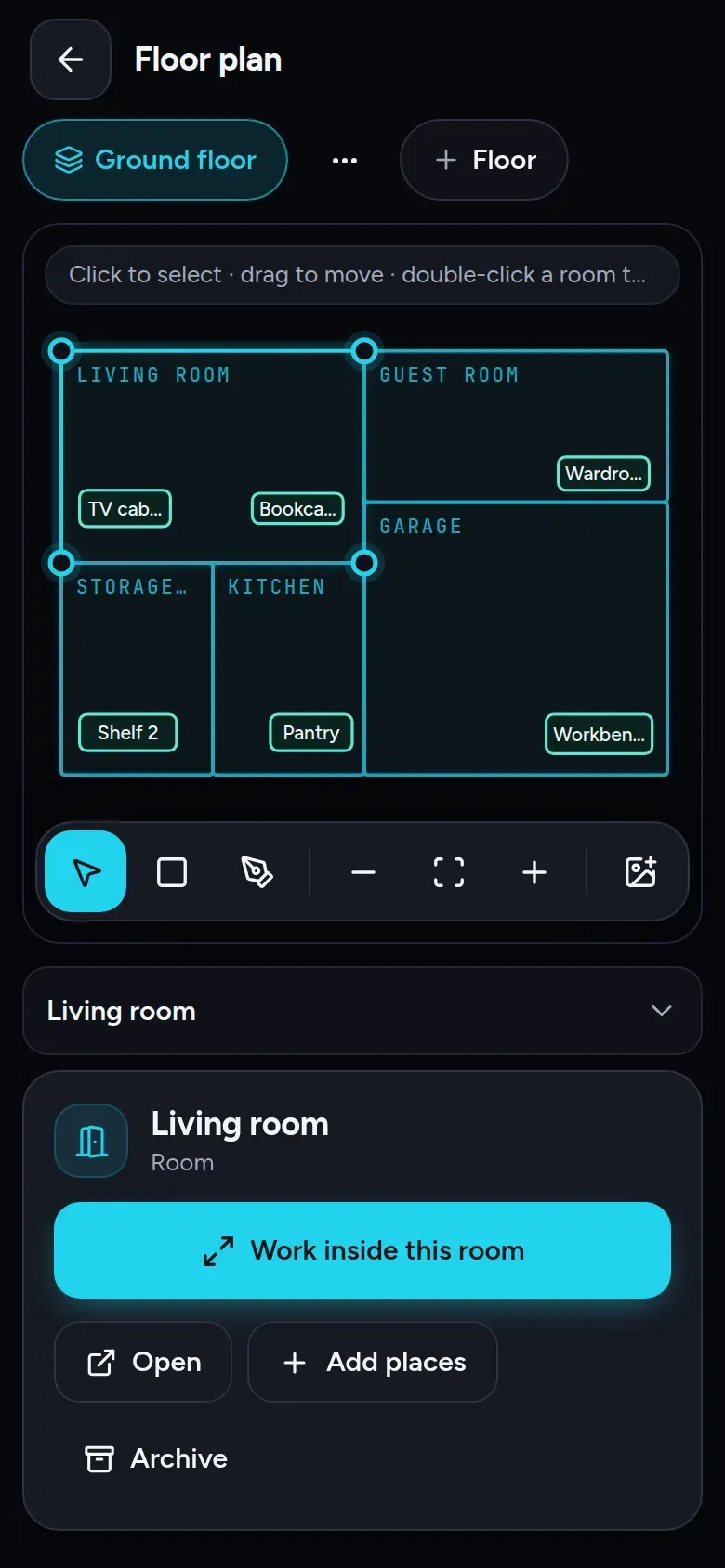
Map your home, record where things are kept and find them again by searching or asking the assistant. Move a box and everything inside moves with it. A Costia account is required.
Discover Inventory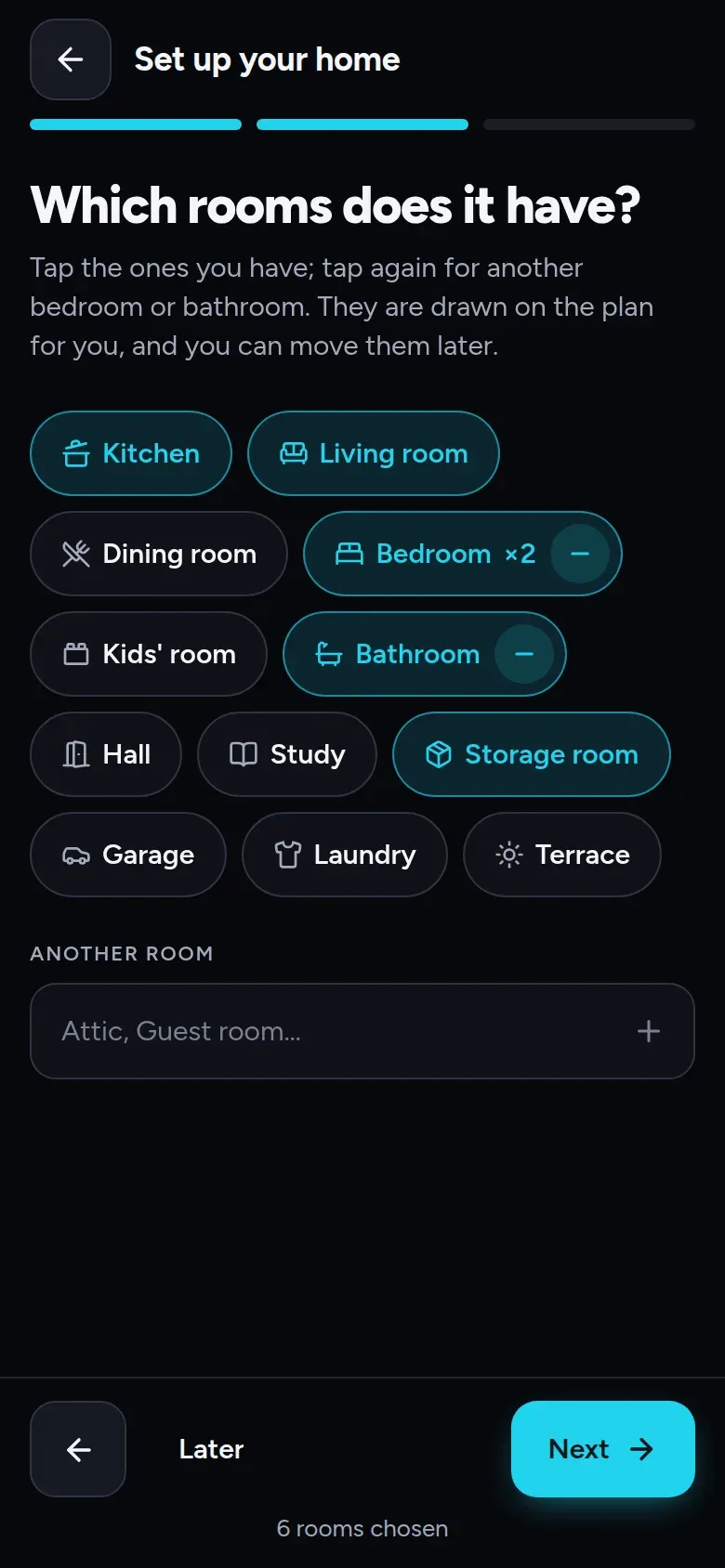
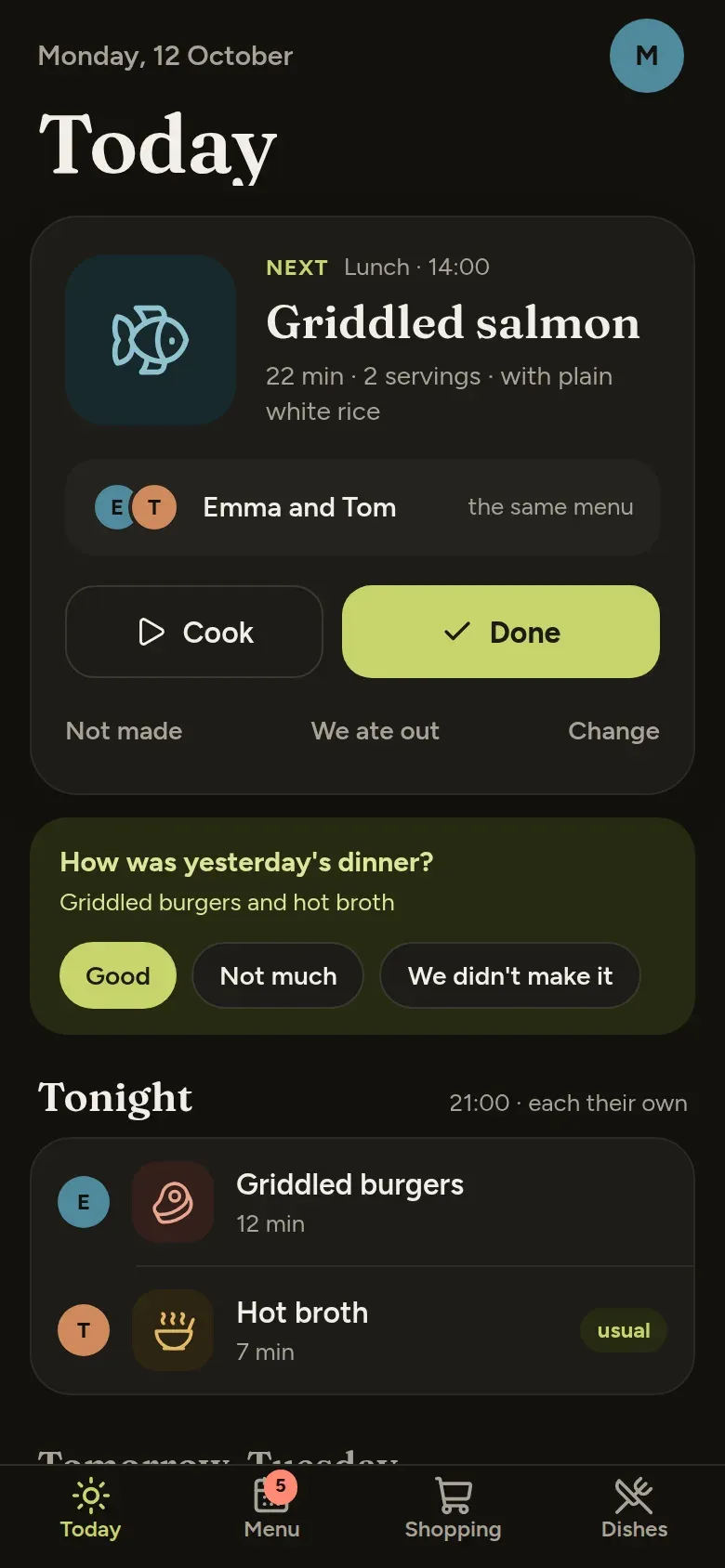
The week’s menu, for everyone at the table.
Plan what your household eats, and what to buy where. A Costia account is required.
Discover Ambrosia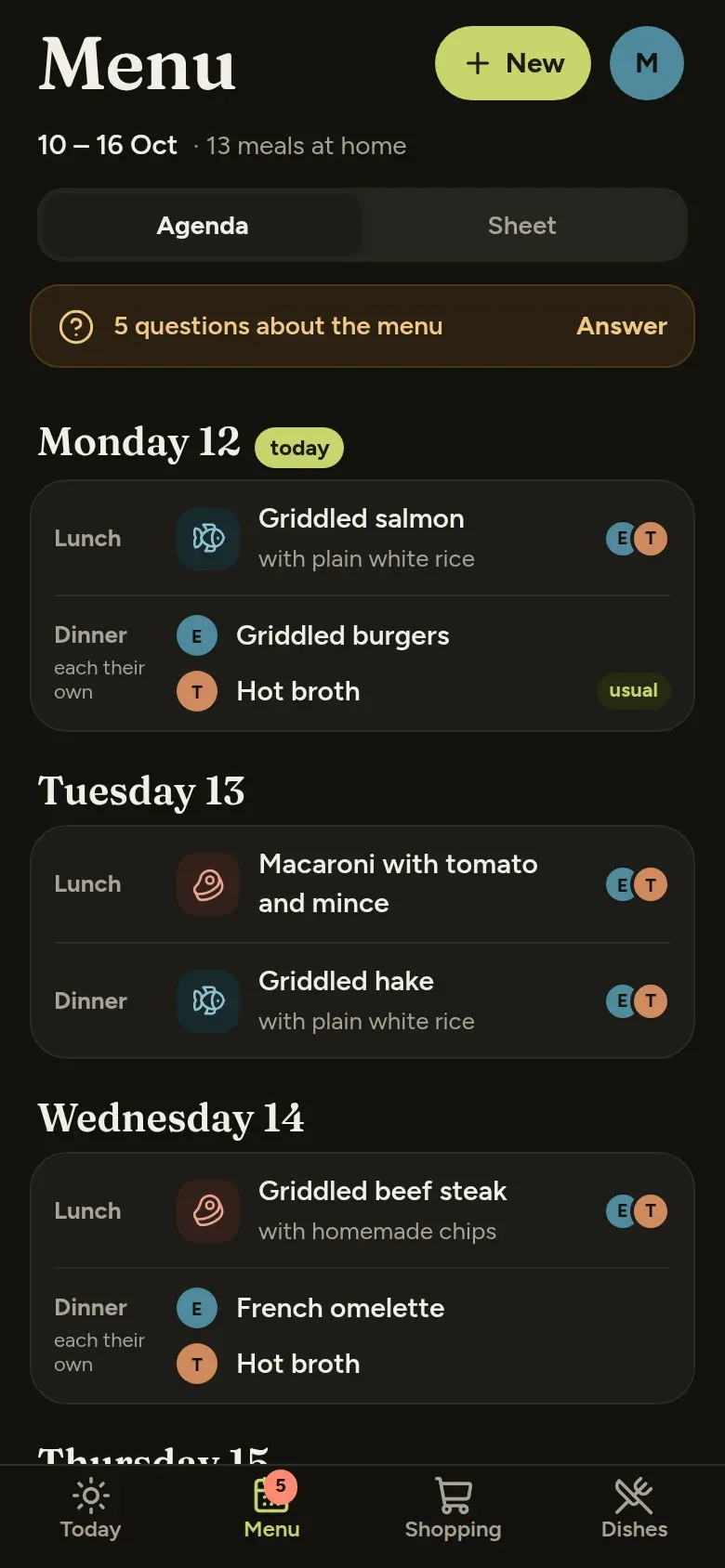
And for people who build with Claude Code
More Costia apps are on the way. Your account and your Premium subscription will already cover them.
New in the family
Available nowCostia Ambrosia plans your household’s meals from the dishes you already cook, gives each person a menu of their own when they eat differently, and turns the week into a shopping list for each supermarket. Now on iPhone, iPad and Android in Spain, with your Costia account.
Costia Premium
Coming next
One account
A Costia account is required for Finance, Training, Inventory and Ambrosia on phone and web. The same account gives you Premium in every app.
AI, where it earns its place
Finance can read a receipt, fill in an expense and answer questions about your spending. The assistant shows you what it plans to change so you can check it first.
Your assistant answers from your own history, and never logs anything without showing you first.
Scan a ticket and the expense is already filled in: amount, date, merchant and every item on it.
“I’m not paying for any of the meat” — and your share is recalculated. Save it as a rule for next time.
Search for “milk” to find the expense that includes it, even if you do not remember the shop.
Rules on your phone decide the numbers; the assistant explains, answers and adapts the session — it never puts a load on the bar.
Describe what you want and the designer adapts a proven plan to your kit, days and time.
“Where are the Christmas lights?” The assistant answers from your own inventory, with the room, the shelf and the box.
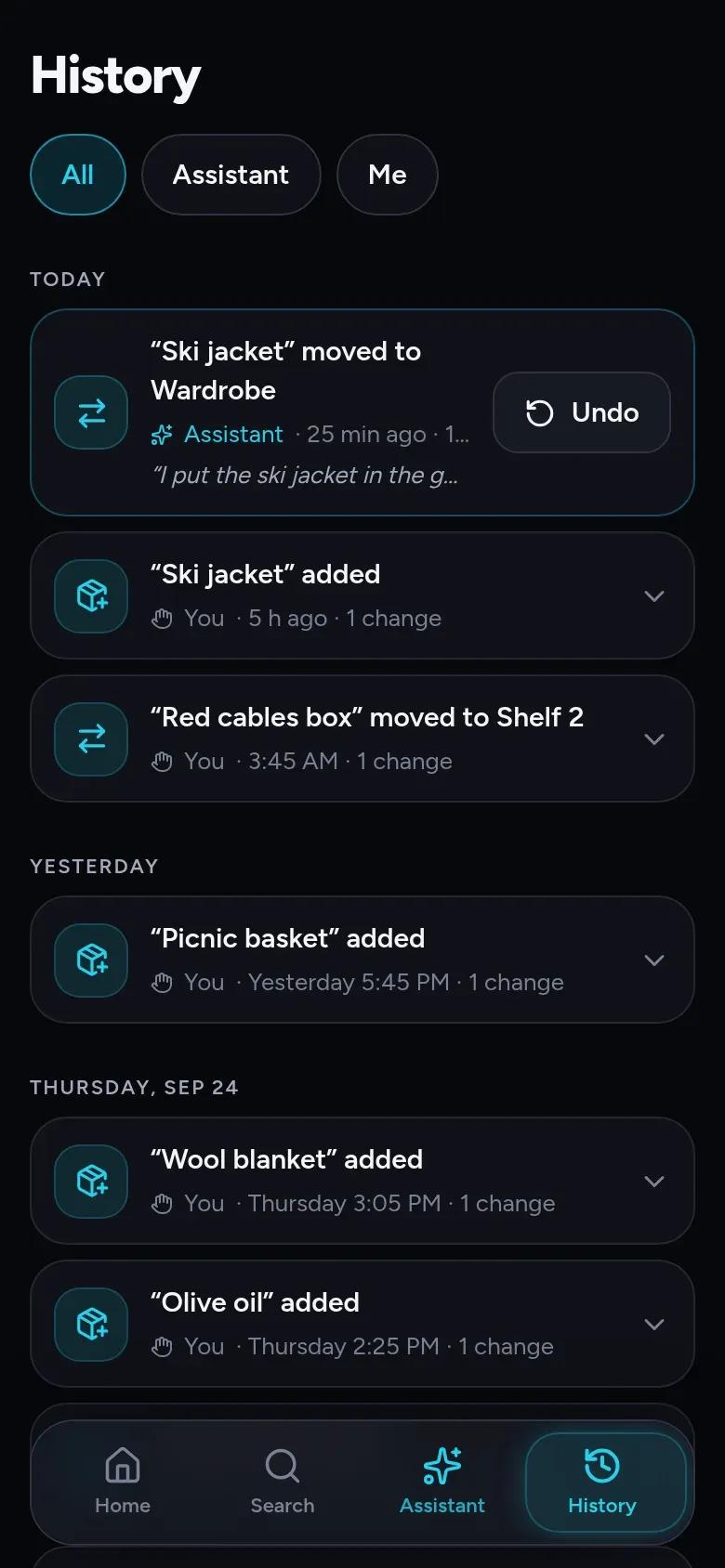
Tell the assistant what you moved, or use Gemini or Siri. It records the change in your inventory, where you can undo it.
On Windows it runs on your own AI key — or a model on the same machine — and works out search by meaning locally.
Finance’s and Inventory’s AI features are live; Training’s are switching on now.
How we build
No behavioural analytics and no advertising identifier in any Costia app. Nobody is buying what you do, because it is not for sale.
Log it in the car park or between sets with no signal. It syncs when you are back.
The AI proposes, you confirm. And you can delete your account from inside the app or from the web.
No precise location, contacts or bank credentials. One Costia account signs you in to every app.
A family of apps for everyday life, each doing one job properly, with AI where it saves you work. Costia Finance is for your money, Costia Training is for the gym and Costia Inventory is for everything you keep at home. They share one account and one Premium subscription.
Yes. Finance, Training, Inventory and Ambrosia ask for a Costia account on phone and web — the same one for all four. Inventory’s private Windows edition is the exception: it needs no account.
The AI features of every Costia app — receipt scanning, email invoices, splitting by talking, semantic search and the assistant in Finance; the coach’s assistant and routine designer in Training; the assistant, changes told in your own words and search by meaning in Inventory; answers typed in your own words while you plan the menu in Ambrosia — under one subscription.
No. Premium belongs to your Costia account, not to an app. Buy it in Costia Finance, Costia Training, Costia Inventory or Costia Ambrosia and it is active in every other Costia app.
Finance, Training, Inventory and Ambrosia sync your data through Costia’s servers when you use their apps. AI features send the information needed for your request to a model provider. Inventory’s private Windows edition never connects to Costia’s servers.
iPhone, iPad and Android. Costia Finance, Costia Inventory and Costia Ambrosia also run in any browser on the same data, and Inventory has a private edition for Windows.
All of them are free to use. Premium, when you want it, covers the family.